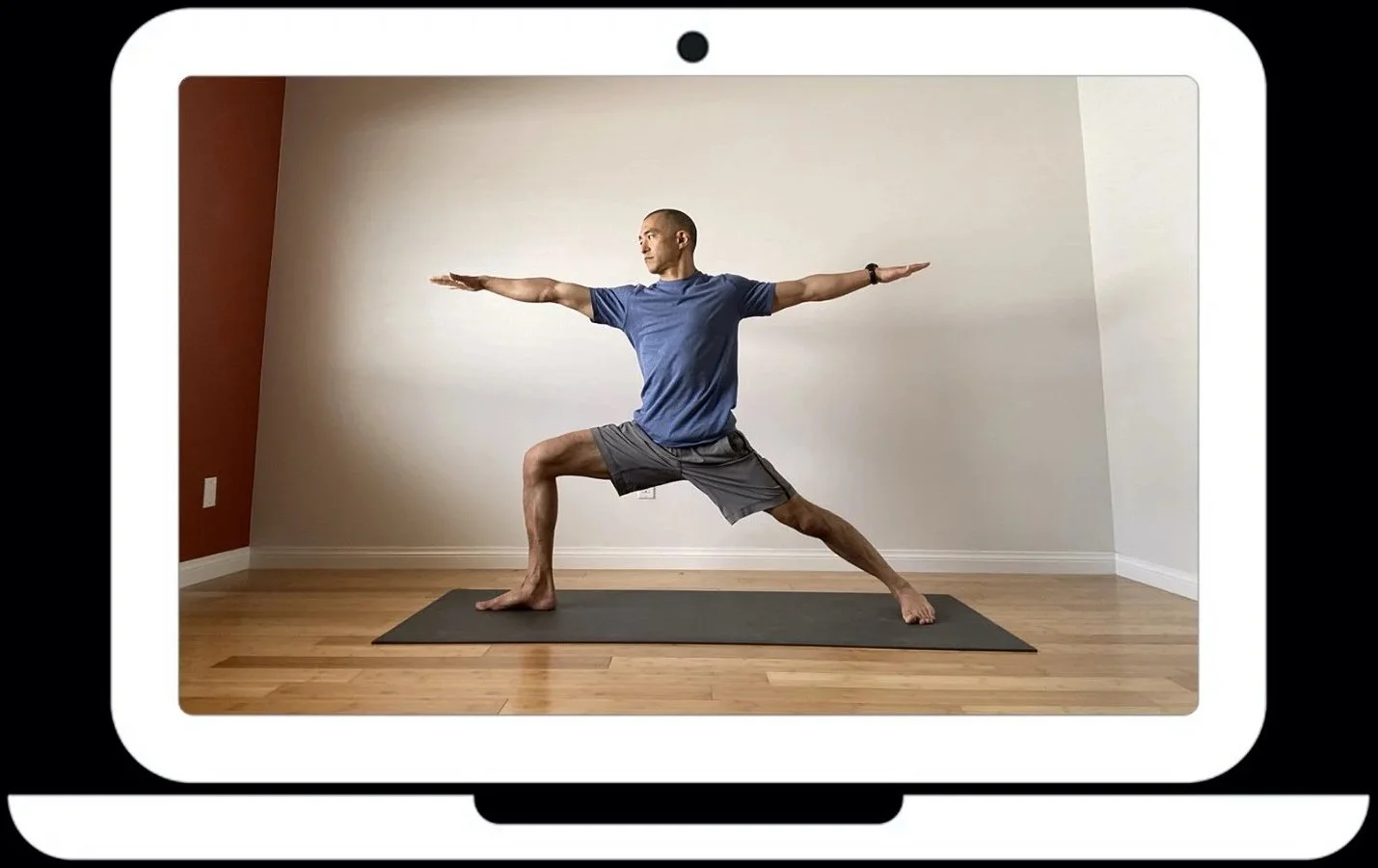
Live Online (Zoom) Yoga
Live Online Yoga allows you to practice with me from anywhere in the world, as long as you have a device connected to the internet and a space to practice. The experience extends beyond practicing with recorded videos AND has a few advantages over practicing in a public class. No driving to a yoga studio or gym. Drop in late or leave early to accommodate your schedule. Practice in the comfort of your own home or other space. No pressure to do what everyone else is doing. Truly do your own practice.
Regular Schedule
Sat 9:00-10:30am
Monday 10:30-11:45am
Wednesday 9:00-10:15am
Thursday 10:30-11:45am
All classes are Pacific Time.
How to take a class:
I would appreciate a small payment for each class that you take. Any amount is appreciated. Venmo @KericYoga OR PayPal: https://www.paypal.me/kericyoga
Pleasebe willing to work hard and play hard in this class. Everyone is welcome to participate in any of the classes, regardless of experience or skill. Do your best. You can drop in late and/or leave early to accommodate your schedule.
Before your first class, create a Zoom account and download the desktop or mobile app. Zoom is a video/web conferencing platform. The Zoom account and app necessary for IO Yoga is free. You can use this link to sign-up and download the app: https://www.zoom.us/
PLEASE CONTACT ME DIRECTLY FOR A LINK TO ALL ZOOM CLASSES.
Login to the Zoom application and click the link above from the device that you will use to view and participate in the class.
You can choose to share your video and/or audio OR you can choose NOT to share your video and/or audio. Sharing is encouraged, but not required.
You can select the “Gallery” view to see everyone in class or you can select the “Speaker” view, which will display just one person at a time, but will jump from one person to the next, base on who is speaking. On a computer browser, toggle between the Gallery and Speaker view by clicking the icon in the upper right of the Zoom window. If you want to lock the video on one person (perhaps me because I am teaching), you can right click on their video and select “Pin Video.” On a mobile device, toggle between Gallery and Speaker view by swiping left and right. If you want to lock the video on one person, you can double tap the video to “Pin” the video.
I plan to stay online after the class to answer questions and talk about the theme. It is an opportunity to chat and engage in community. Staying after class is optional. In fact, staying until the end of class is optional. One of the advantages of an online class is that you can leave at any time and you will not disturb or distract anyone else. You could also join the class late and it really will not bother anyone.
If you have any questions, comments, or concerns before taking your first Live Online Yoga class, please feel free to contact me via email: keric@keric.com. If you want/need to call or text, send me your mobile number and I will connect with you via mobile phone.